

AAA Environment Creation Workflows in Unreal Engine 5
Learn how to create good looking environments inside UE5 by learning universal art principles.
-
Chapter 1: AAA Environment techniques in UE5
-
Lesson 1: Introduction
-
Lesson 2: Viewport navigation and creating our level
-
Lesson 3: Object placement
-
Lesson 4: Starting to block our composition
-
Lesson 5: Visual guidelines and simple forms
-
Lesson 6: Downloading Assets from Fab
-
Lesson 7: First pass of the environment
-
Lesson 8: Adding the side rocks
-
Lesson 9: Working on the Column
-
Lesson 10: Working on the Cave Roof
-
Lesson 11: Working on the Floor Assets
-
Lesson 12: Filling the Ground empty spaces
-
Lesson 13: Finishing removing the blockout pieces
-
Lesson 14: Color Harmony for the rocks
-
Lesson 15: Adding a Slope Mask
-
Lesson 16: Blending Materials in the Slope
-
Lesson 17: Adding a Slope Material
-
Lesson 18: Creating a Switch to disable the Slope Material
-
Lesson 19: Creating the first wood asset Kit
-
Lesson 20: Using horizontal elements with our wood planks
-
Lesson 21: Creating extra wood kit assets
-
Lesson 22: Creating a wooden vertical element
-
Lesson 23: Adding extra wood elements
-
Lesson 24: Adding Broom Creepers part 1
-
Lesson 25: Adding Broom Creepers part 2
-
Lesson 26: Adding Plants to our scene
-
Lesson 27: Big Medium and small theory with plants
-
Lesson 28: Color Balance with foliage
-
Lesson 29: Adding Storytelling elemetns and water
-
Lesson 30: Adding the Lightning pass base
-
Lesson 31: Changing the Sky tint
-
Lesson 32: Post Process settings
-
Lesson 33: Depth of field
-
Lesson 34: Artificial lightning
-
Lesson 35: Atmospheric Fog
-
Lesson 36: Fixing the interior lightning
-
Lesson 37: Adding logical elements to the props
-
Lesson 38: Color balance with Decals
-
Lesson 39: Adding Background and final thoughts
-
I will show you how to decorate your environments using AAA secrets
In this Environment Creation Course, you will learn the techniques behind AAA level creation for games using Unreal Engine 5. We will create an environment from scratch and step by step we will build a game ready environment.
Many people think that level creation is just drag and dropping assets. This is why many people end up with environments that don't look good, and they don't know why. After this course, you will know what makes an environment look good and how you can apply the same formula to every environment you create in the future.
This course is different from other environment creation courses where instead of showing you how to do something I show you the why and the fundamentals behind art theory so you can learn a new skill set and apply that to any type of environment you wish to create be it in games, movies or any other form of visual art.
By the end of this course, you will understand the art foundation that is behind the environment creation process and leave with a skill set that will help you along your whole career as a 3D artist.
I am a firm believer that a solid foundation will make you good company through your entire career, and I would be more than honored to be part of that in your life.
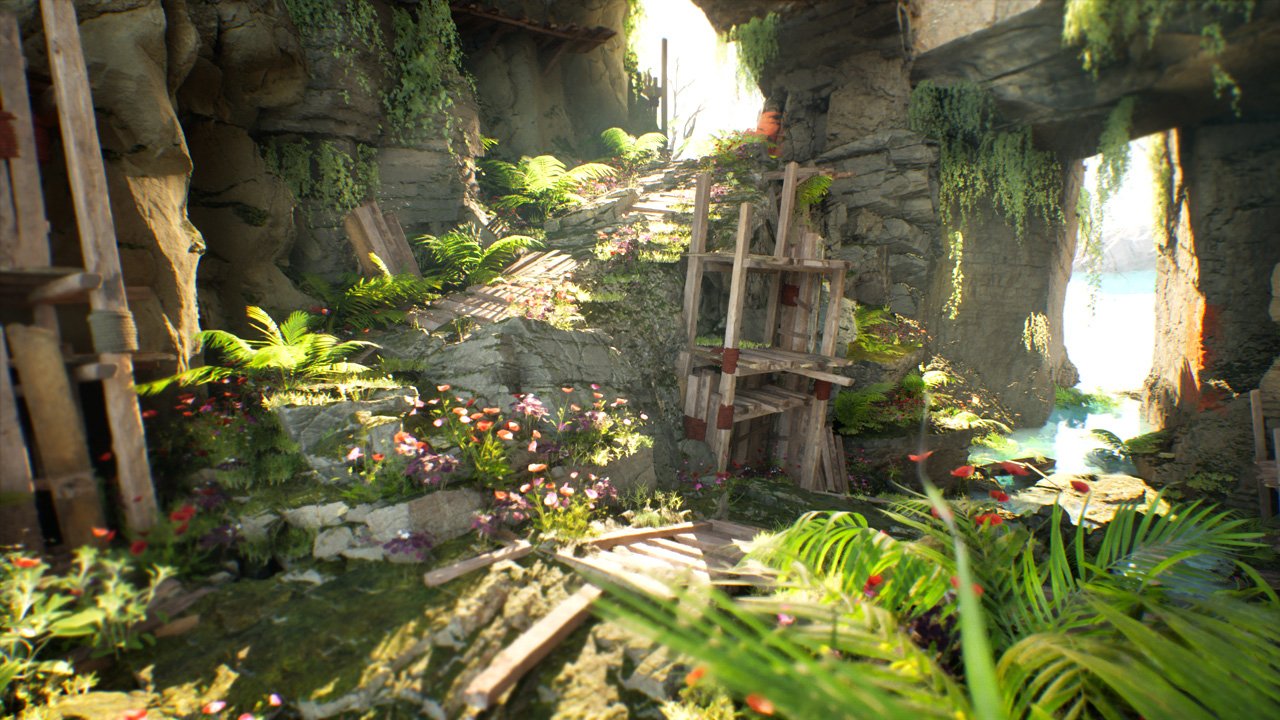
This is what you will learn:
-
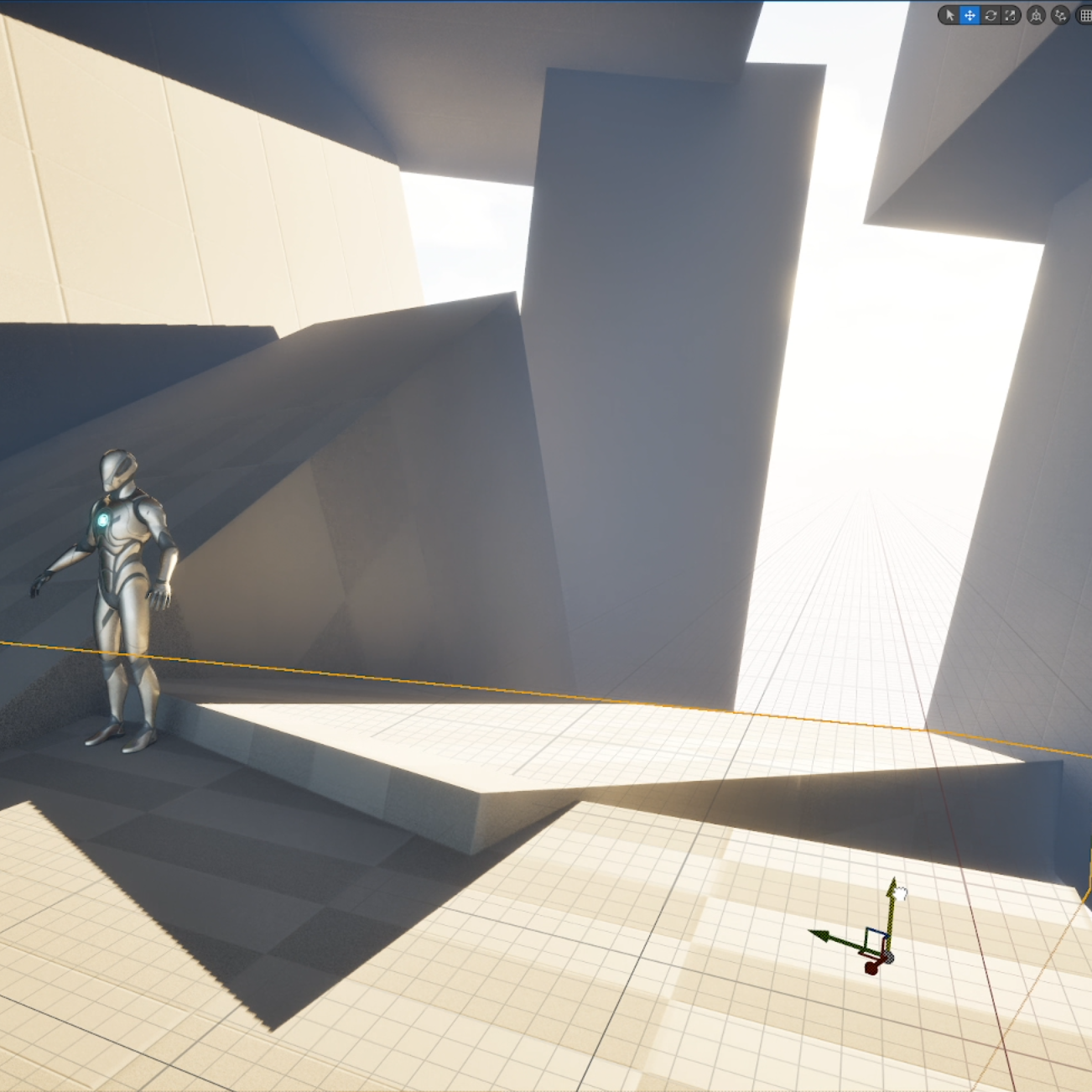
Learn art composition fundamentals
Having a solid art fundation is critical to create good looking environments no matter the medium. We will go through design principles of light and shadow so that you can have a very solid fundation early on.
-
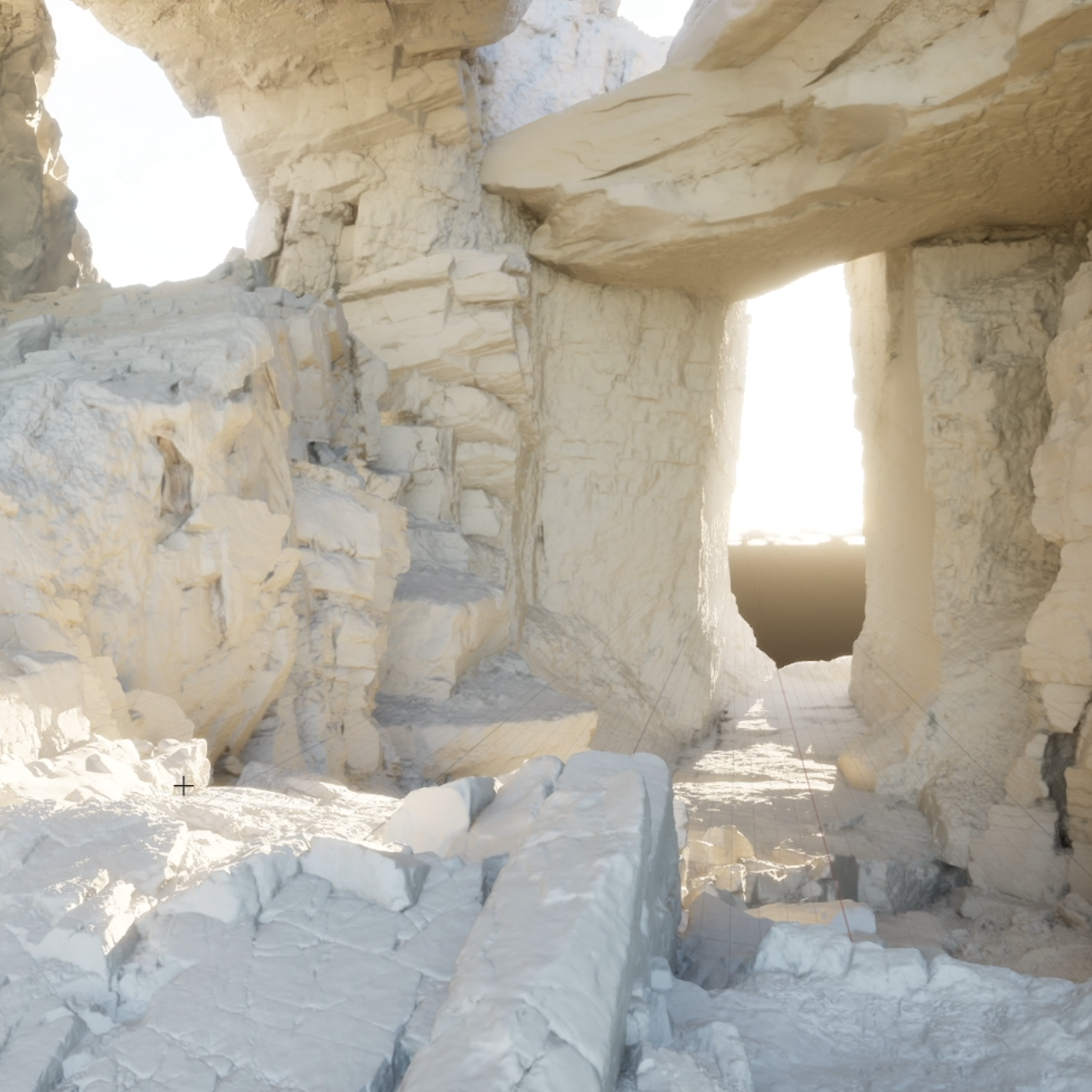
AAA Workflows to tackle complex environments
You will learn how to start creating an environment and the best practices to start decorating it by using different set dressing techniques.
-
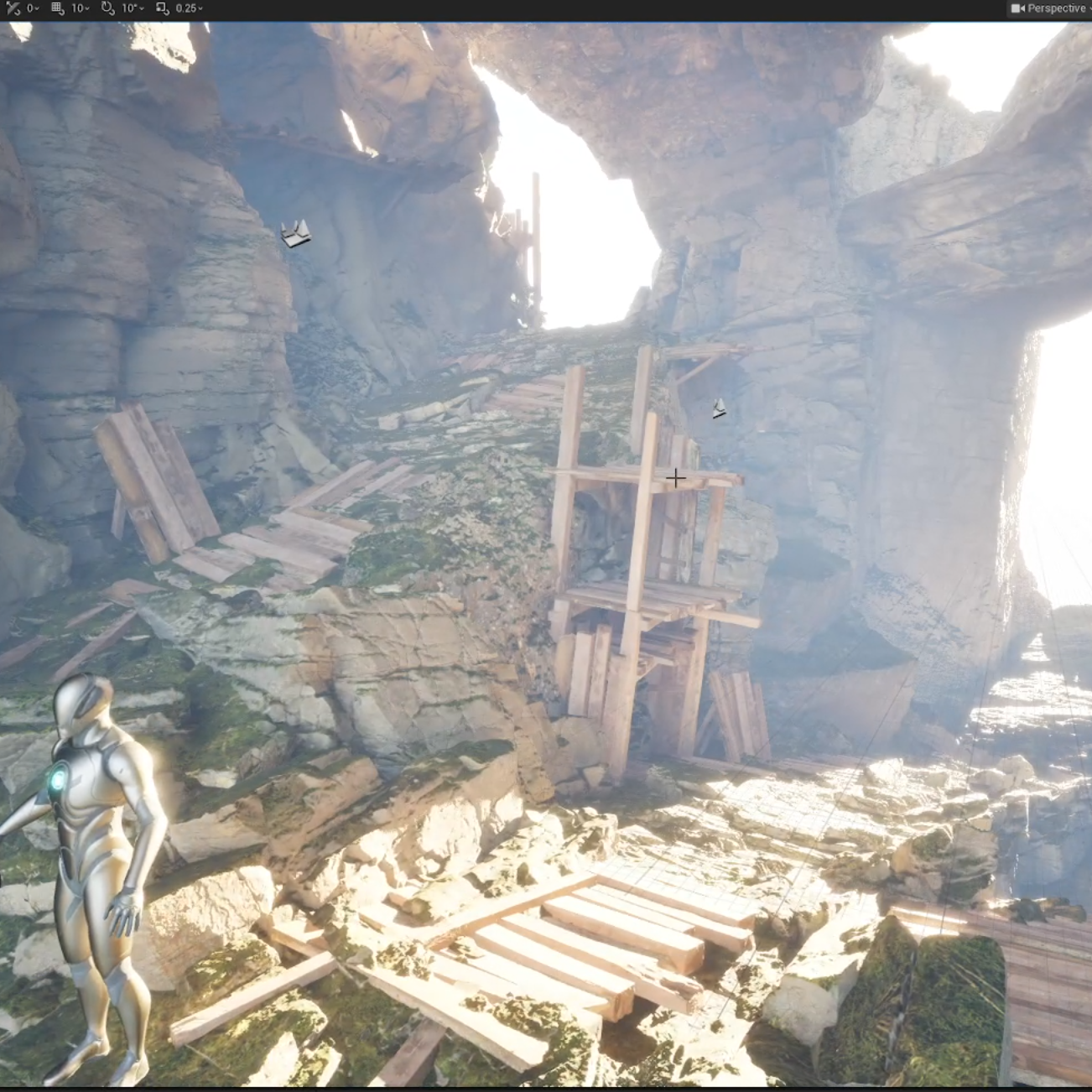
Master Design Principles inside UE5
When creating environments is important to have a solid design fundation to know: which types of assets to add, what color should they have, what types of forms are going to increase the visual quality of my composition and much more.
-
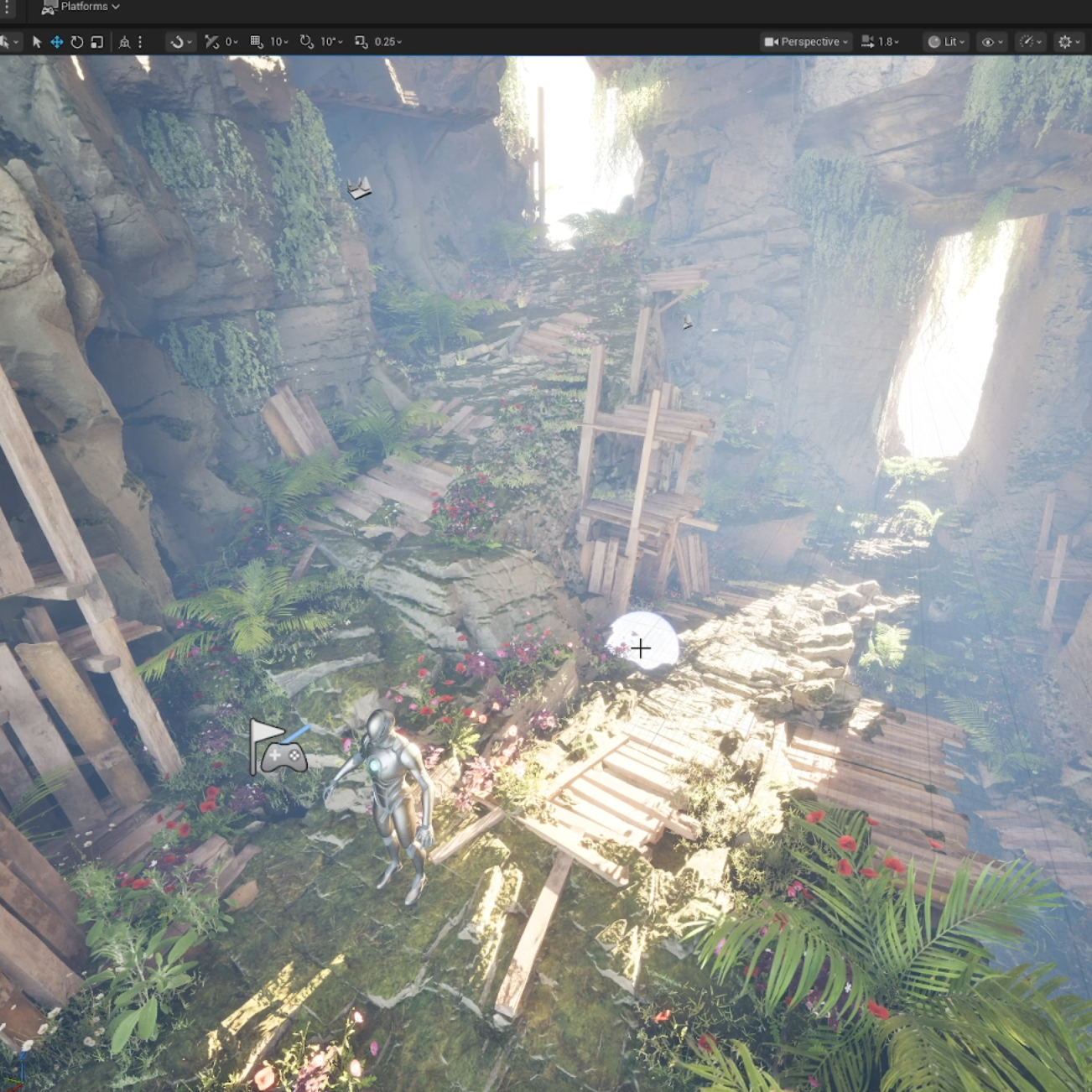
How to place Foliage by using art theory
Foliage can be an incredible way to add detail to your environments. However, most people don't use it well. We will go through art fundation, color theory, shapes, forms and use it to create foliage that not only adds detail to your environment but looks great and balanced.
-
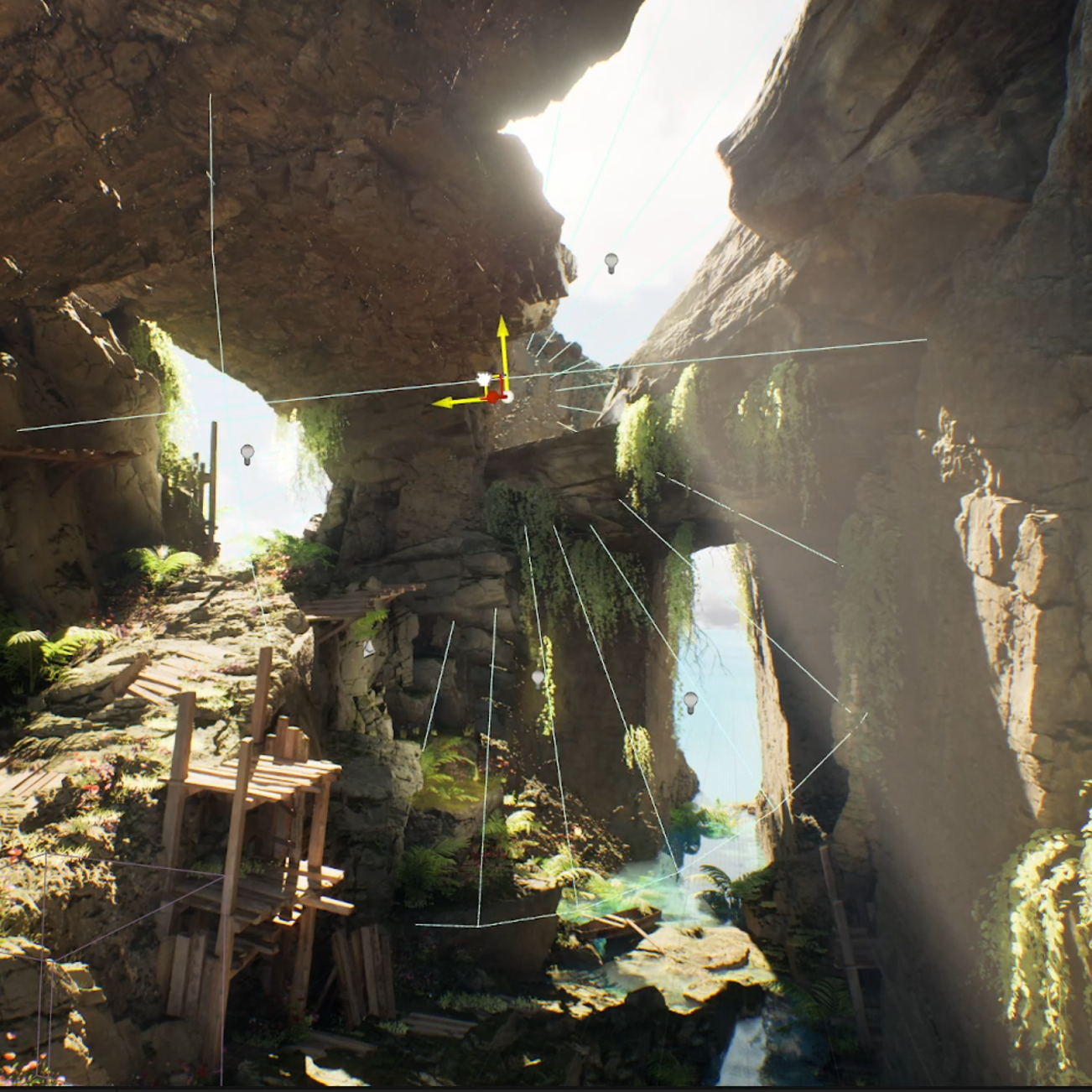
Learn different lightning techniques
Lightning can be a complex subject. We will simplify the use of lightning by showcasing different art principles of light and shadow inside Unreal Engine 5. You will learn how to use artificial lights and how to use the right settings to have a good looking environment no matter the setting.
-
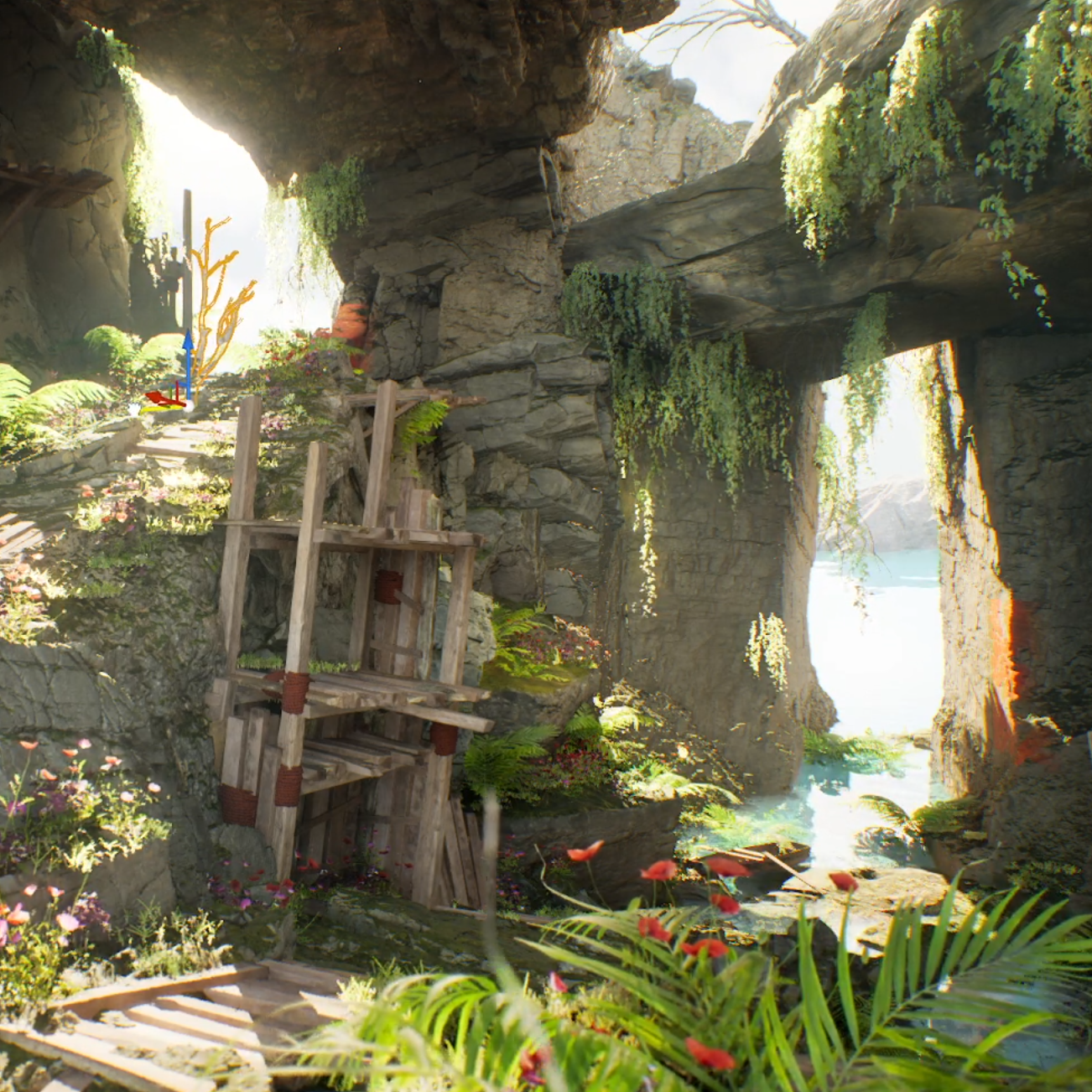
Color theory explained inside UE5
Color theory can be a complex topic. Worry not we will cover the principles of color harmony, balance and contrast and show you how you can use them inside Unreal Engine 5 by using decals and color adjustments.

Your Instructor
Mao is a professional 3D artist for video games who has worked on Ubisoft where he contributed to titles like Skull and Bones and Immortal Fenyx Rising - Myths of the Eastern Realm. He is also an Unreal Authorized Instructor for Epic Games.

Enroll now AND LEVEL UP YOUR ENVIRONMENT ART SKILLS
Get lifetime access to the course