

Advanced Modeling Techniques
Learn professional techniques used in the game industry to create high quality environment assets.
-
Chapter 1: UE5 Modeling Tools and new techniques
-
Lesson 1: Introduction to AAA Advanced Modeling techniques
-
Lesson 2: Proportions blockout
-
Lesson 3:. Importing the base texture for the brickwall
-
Lesson 4: Modifying Uvs with the UV Editor part 1
-
Lesson 5. Modifying Uvs with the UV Editor part 2
-
Lesson 6: Modifying Uvs with the UV Editor part 3
-
Lesson 7: Enabling Nanite Displacement via Materials
-
Lesson 8: Nanite Painting with multiple materials
-
Lesson 9: Making Modular Kit Variations
-
-
Chapter 2: Creating the Main Asset
-
Lesson 10: Breaking the mesh using booleans
-
Lesson 11: Using Displacement modeling techniques
-
Lesson 12: Adding Gravel and unwrapping the new area
-
Lesson 13: Using sculpting tools
-
Lesson 14: Adding displacement to gravel areas
-
Lesson 15: Using Booleans to create concave details
-
Lesson 16: Adding Surface details to the new area
-
Lesson 17: Adding a transition mesh for the ground
-
Lesson 18: Unwrapping tips to get less distortion
-
Lesson 19: Applying color theory to blend different assets
-
Lesson 20: Using extra meshes to add dedtail to the main piece
-
Lesson 21: Adding extra meshes to fix the silhouette
-
Lesson 22: Adding collisions
-
Lesson 23: Using simulation to decorate assets faster
-
Lesson 24: Adding wooden planks
-
Lesson 25: Using simulation to blend the wooden planks
-
Lesson 26: Using color theory to fix the wood
-
Lesson 27: Adding another brick layer with Materials
-
Lesson 28: Adjusting the flint wall color
-
Lesson 29: Adjusting the texture brightness
-
Lesson 30: Adjusting the colors of the texture
-
Lesson 31: Changing the albedo texture in the material
-
Lesson 32: Using Decals as a weather layer
-
Lesson 33: Adding saturation paint layer
-
-
Chapter 3: Presentation
-
Lesson 34: Setting up the ground Material
-
Lesson 35: Painting the ground material base
-
Lesson 36: Changing the ground textures and roughness
-
Lesson 37: Using Booleans to change the shape of the ground
-
Lesson 38: Adding grass elements
-
Lesson 39: Adding HDRI Backdrop
-
Lesson 40: Adding artificial lights
-
Lesson 41: Post Process settings
-
Lesson 42: Lens settings and presentation
-
Lesson 43: Cine Camera Actor
-
Lesson 44: How to create Modular Assets from this
-
Have you ever wondered why some assets look amazing while others fall flat?
I asked myself the same question years ago when I joined Ubisoft as a Level Artist. I had the technical skills, but there always seemed to be a hidden formula that made assets truly stand out.
It took me years of working on AAA projects to finally understand how to create high-quality assets (hint: it’s not about the tool). Artists use a kind of secret language to communicate their ideas and make anything look great—whether it’s inside Unreal Engine or on a simple sheet of paper.
This course is about uncovering that language. In just a few hours, I’ll teach you what took me years to learn. Together, we’ll build a high-quality broken castle wall using multiple Unreal Engine 5 tools: modeling, texturing, materials, physics simulation, and texture manipulation. Along the way, I’ll show you how to apply timeless art principles that can elevate any type of asset you create.
We’ll also explore new features in Unreal Engine 5.6, including the UV Editor tools and Nanite displacement from materials.
By the end of this course, you’ll not only know how to create AAA-quality assets for your game projects, but you’ll also have a portfolio-ready piece to showcase to potential employers if you’re aiming to break into the industry.
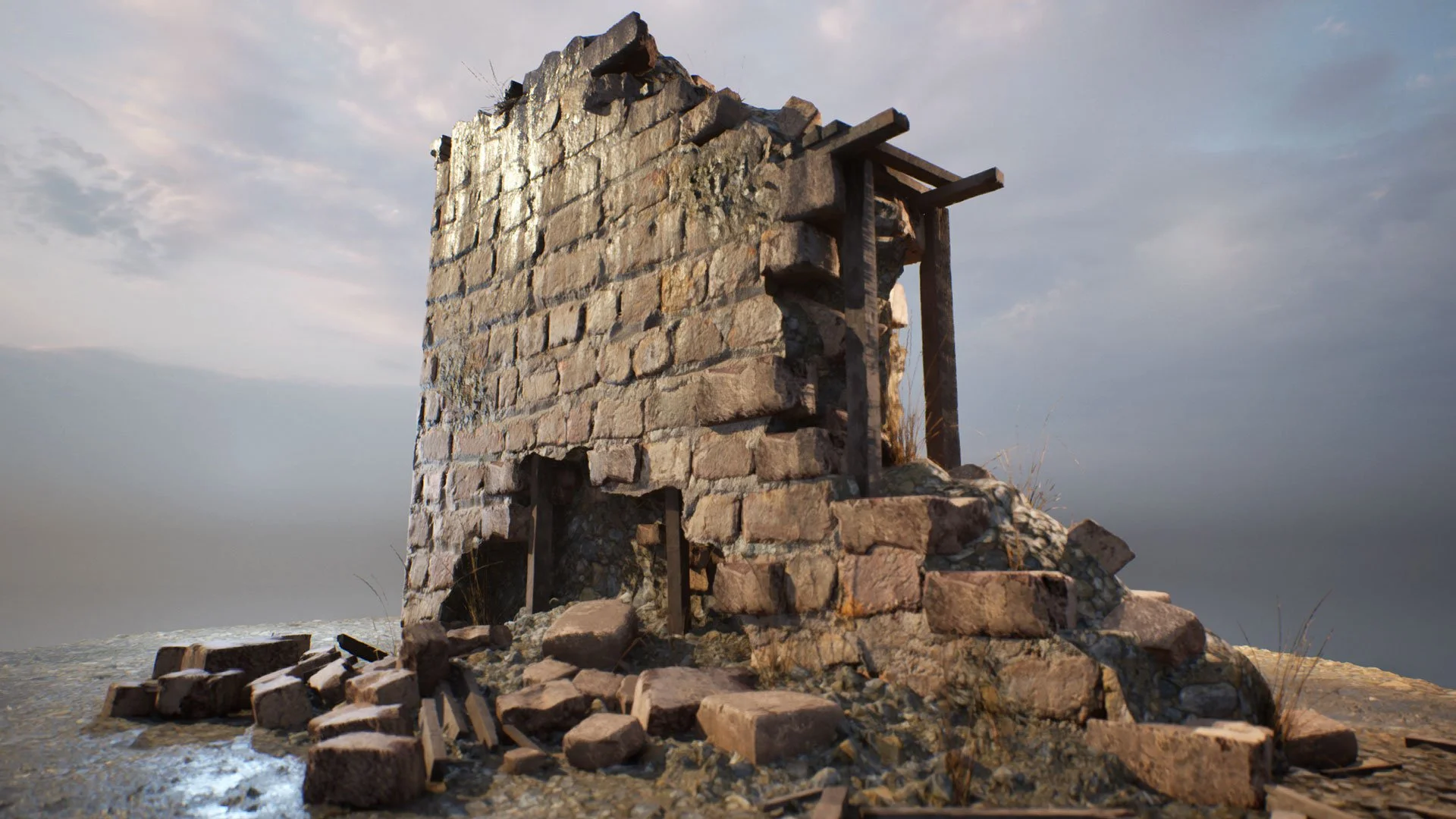
This is what you will learn:
-
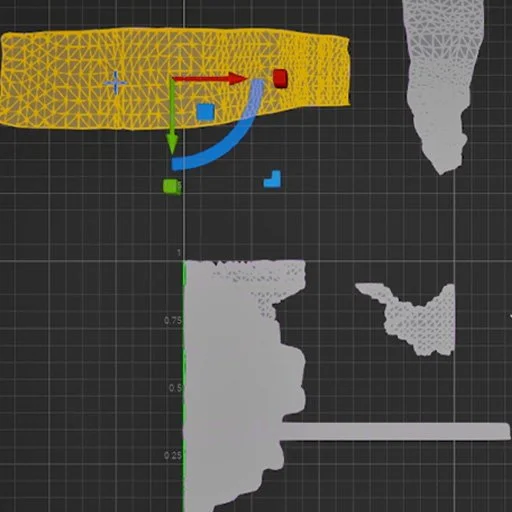
Learn Unreal Engine 5 UV Editor Tools
Save hundreds of hours by creating and modifying existing UVs inside Unreal Engine's new UV Editor and take control of your asset looks on real time.
-
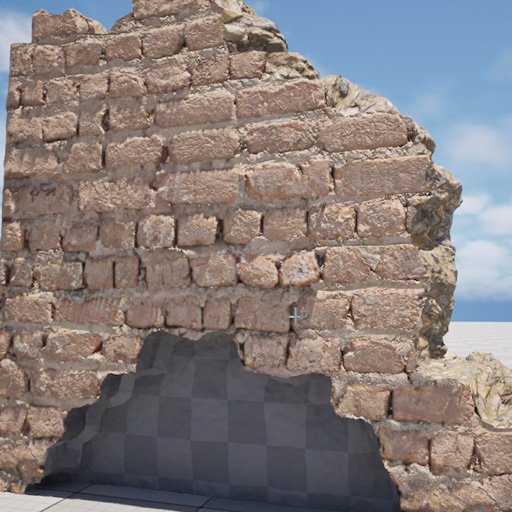
Learn AAA Modeling techniques
You will learn all the workflows that AAA companies use to create unique looking modular assets for any type of game.
-
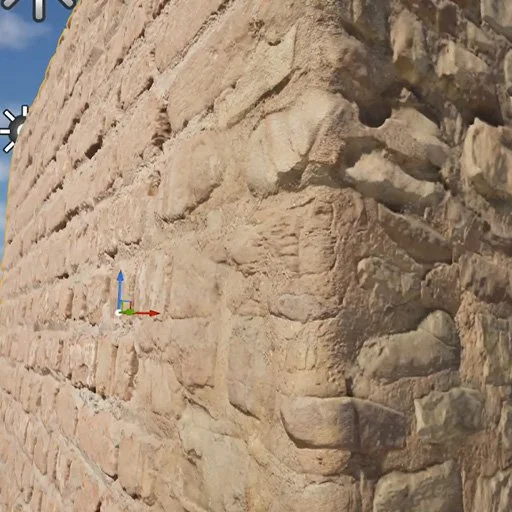
Learn Nanite Displacement techniques
Stay up to date with the latest UE5 tools to add unlimited amount of detail to your environment assets.
-
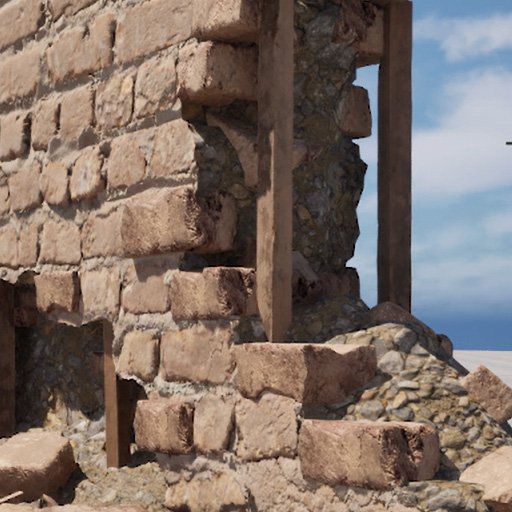
Learn to Detail Assets that always look good
Learn what techniques are used on big companies to add detail to any type of asset by using universal art principles.
-
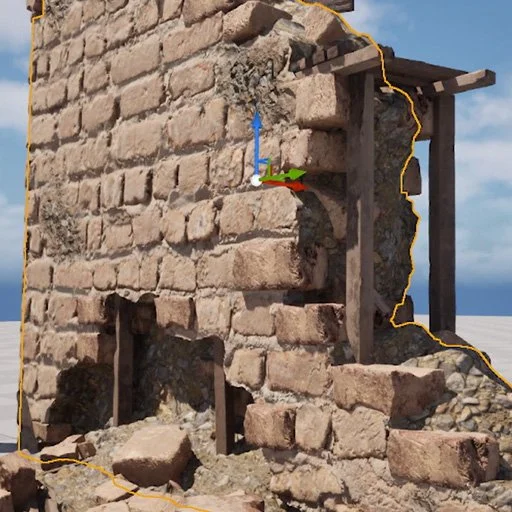
Understand how to modify existing textures
There are plenty of textures available for free online. Learn how to modify them to make your asset look more appealing by applying the same principles used on Master Paintings.
-
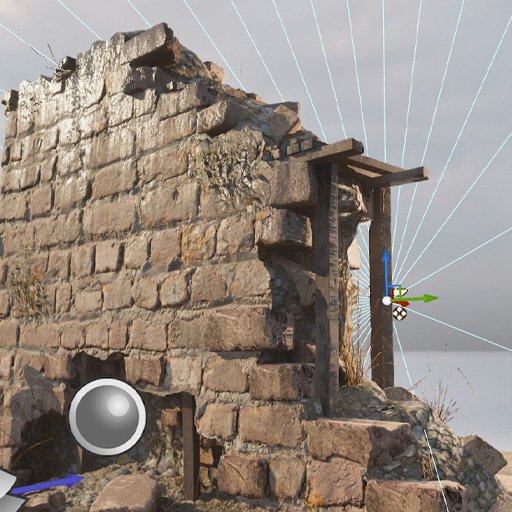
Learn presentation skills in Unreal Engine 5
We work several hours to create a game ready asset. You will learn how to create great presentations for your assets using Unreal Engine 5 to show the best view possible.

Your Instructor
Mao is a professional 3D artist for video games who has worked on Ubisoft where he contributed to titles like Skull and Bones and Immortal Fenyx Rising - Myths of the Eastern Realm. He is also an Unreal Authorized Instructor for Epic Games.

Enroll now AND LEVEL UP YOUR ENVIRONMENT ART SKILLS
Learn how AAA artists think, not just which buttons they press. Build a portfolio-ready asset in Unreal Engine 5 using real production techniques.