

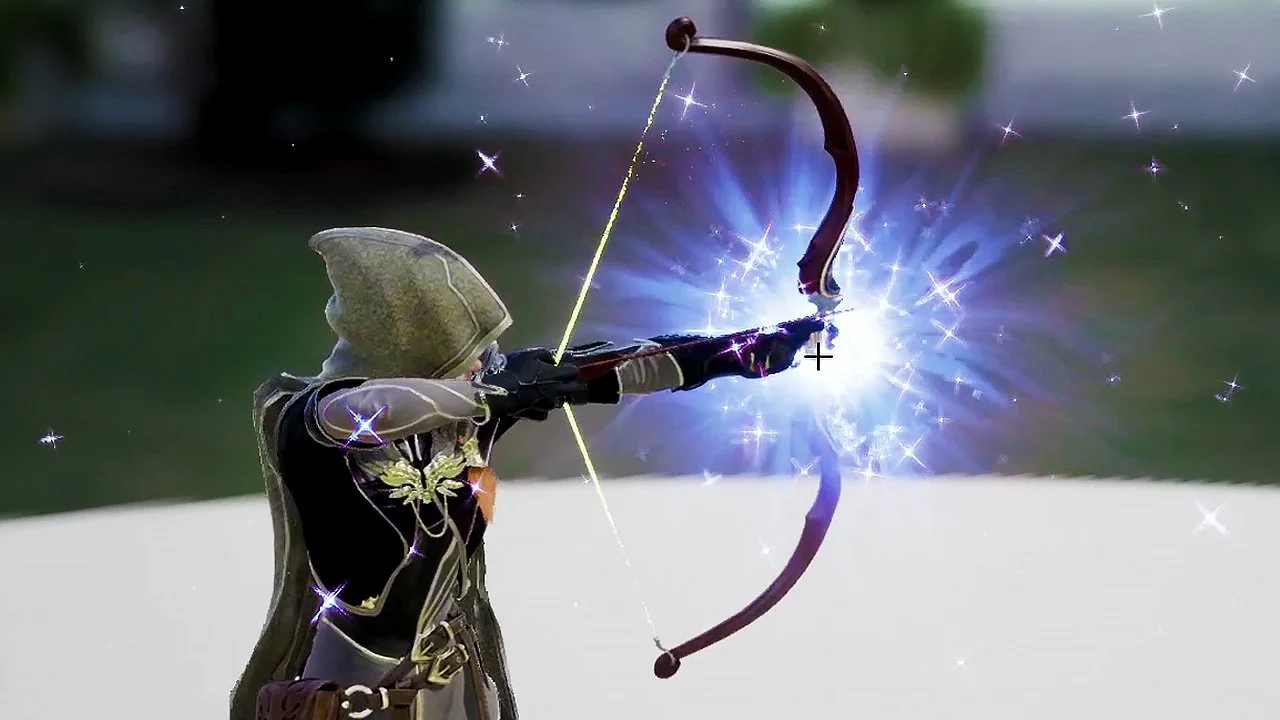
Creating an Impact VFX with Niagara in Unreal Engine 5
Increase your VFX skills and learn Unreal Engine 5’s Niagara
-
Chapter 1
-
Lesson 1: Intro & Making the Flare Texture
-
Lesson 2: Flare Material & Emitter
-
Lesson 3: Niagara System
-
Lesson 4: Star Texture
-
Lesson 5: Star Material
-
Lesson 6: Star Particle
-
Lesson 7: StarVFX Done
-
Lesson 8: Flare Charge
-
Lesson 9: Flare Charge Final Touches
-
Lesson 10: Impact VFX
-
Lesson 11: Flare Line Texture and Material
-
Lesson 12: Flare Line Fix
-
Lesson 13: Flare Rainbow Texture
-
Lesson 14: Flare Rainbow Material
-
Lesson 15: Flare Rainbow Modifications
-
Lesson 16: Impact Done
-
Lesson 17: Spark VFX
-
Lesson 18: Final touches on our VFX
-
Lesson 19: Starting Sequencer
-
Lesson 20: Sequencer Last Touches
-
Visual Effects are used everywhere
If you want to create a game, there is a big chance that you will need some VFX on it.
VFX are what makes game look amazing, you may have the best graphics in the world but without proper VFXs you will lack the extra touch to make it look amazing.
In this tutorial you will learn all the necessary steps you need to create a VFX in a fantasy style. Here you will learn all the fundamentals like texturing, materials and using Niagara to create your own VFXs.

Your Instructor
Mao is a professional 3D artist for video games who has worked on Ubisoft where he contributed to titles like Skull and Bones and Immortal Fenyx Rising - Myths of the Eastern Realm. He is also an Unreal Authorized Instructor for Epic Games.
Enroll now and become confident on creating vfx for games
Get lifetime access to the course content and increase your VFX skills