

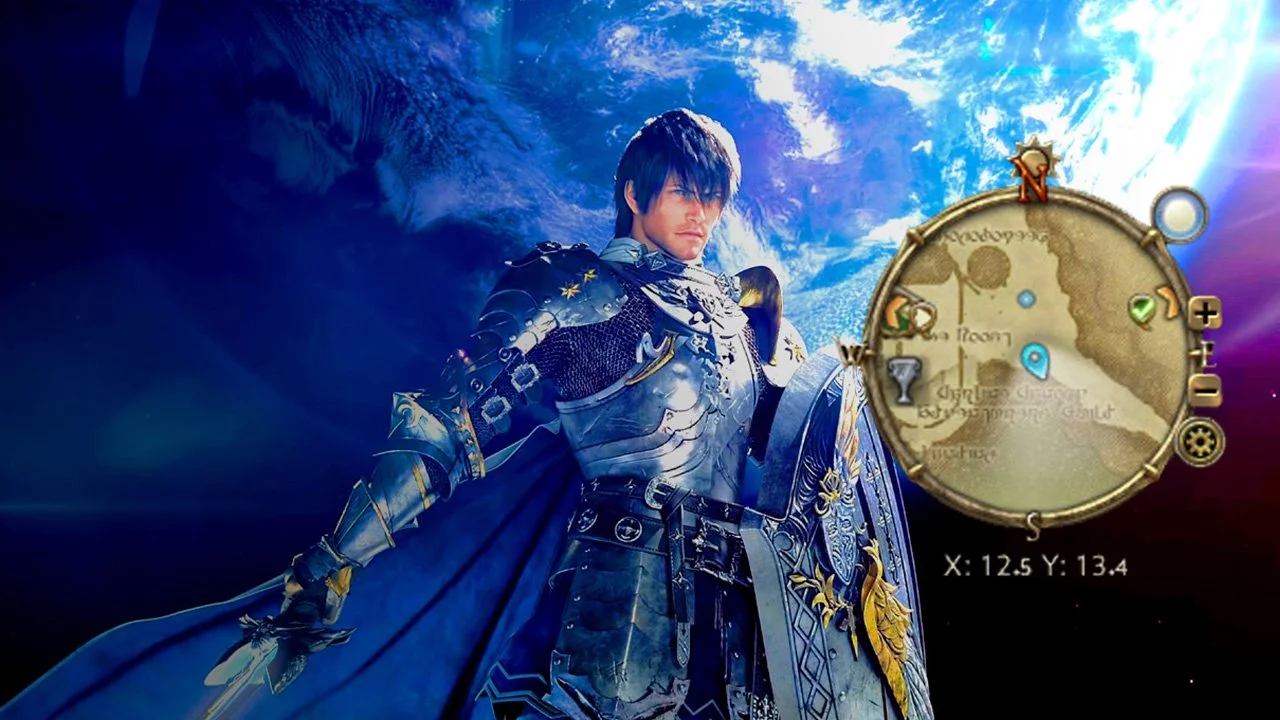
Developing a Minimap in the style of Final Fantasy XIV in Unreal Engine 5
Increase your Unreal Engine Blueprint’s coding skills by creating a minimap
-
Chapter 1: Overview of the Minimap
-
Chapter 2: In-depth development of the Minimap
-
Lesson 4: Blueprints breakdown
-
Lesson 5: UI/UMG breakdown
-
Lesson 6: Materials breakdown - Adding the cursor and scaling the Map Texture
-
Lesson 7: Materials breakdown - Moving the map texture and cursor scale and angle
-
Lesson 8: UMG graph nodes breakdown - Sending the correct X & Y location
-
Lesson 9: UMG graph nodes breakdown - Debug text, cursor rotation and map scale buttons
-
-
Chapter 3: Conclusion
What will you learn in this tutorial?
By the end of this tutorial, you will learn how to create your own Mini Map in the Style of Final Fantasy XIV!
You will learn the logic and the basic classes needed to create a Mini Map. As well as using Unreal Engine 5 features like UMG and Materials to create a fully functional map that doesn't look like a prototype.
This tutorial will include the project files needed so you can follow along and try to make it on your side.

Your Instructor
Ramanand is an Unreal Authorized Instructor by Epic Games. His passion is a mix between coding, gaming and Unreal Engine, where he has spent the last 10 years of his life mastering this craft. He has worked on both big titles and Indie games.
Enroll now and create a mini map for your game
Become an expert on creating Minimaps for your games.