

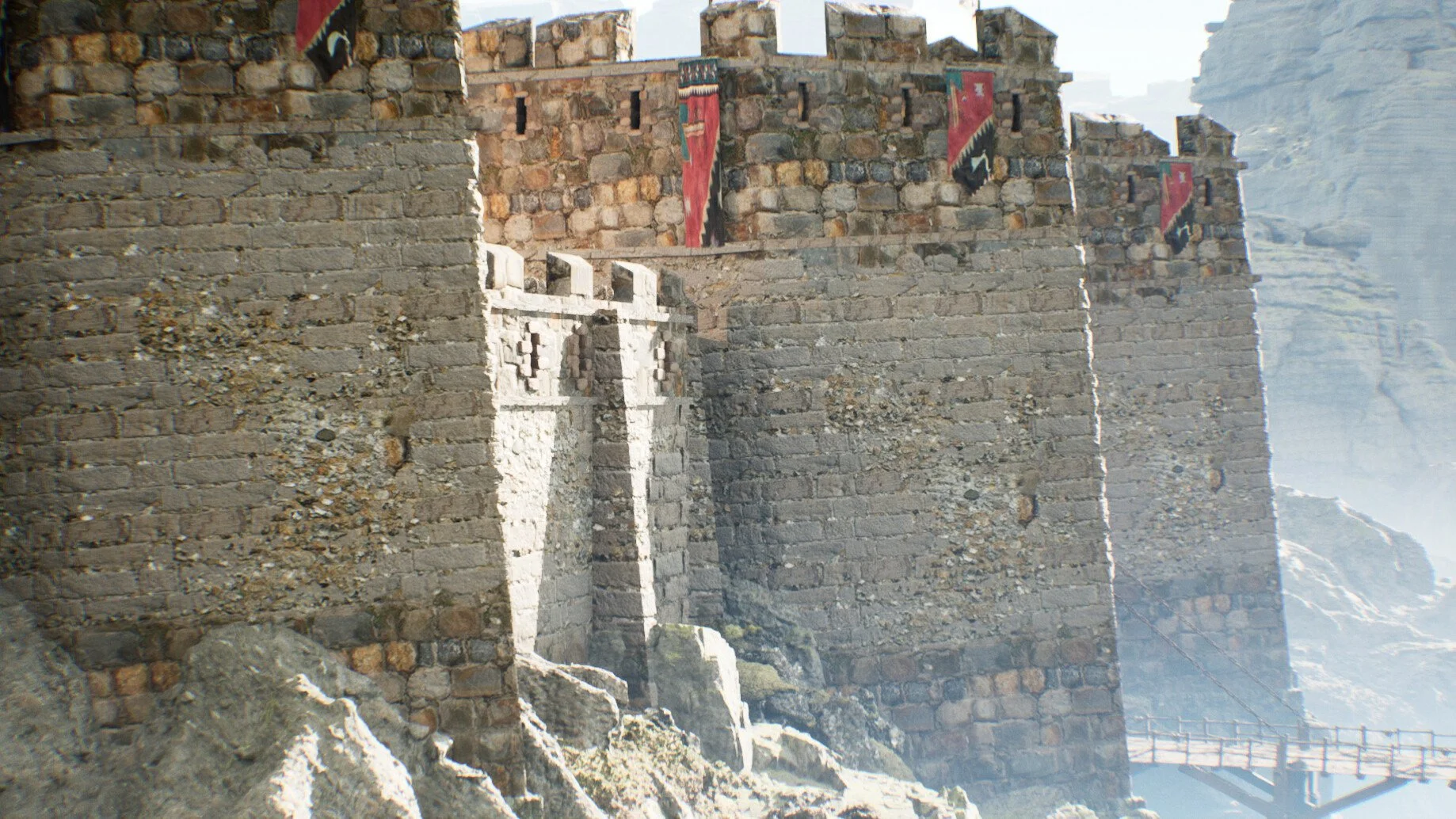
Modeling a Castle in Unreal Engine 5
Lear how to use the Modeling Tools in Unreal Engine 5 to create a castle
-
Chapter 1: Blocking out the Castle
-
Lesson 1: Creating the terrain
-
Lesson 2 References
-
Lesson 3: Blockout
-
Lesson 4: Scale
-
Lesson 5: Designing the tower
-
Lesson 7: Detailing the bastion - Part 1
-
Lesson 8: Detailing straight curtains - Part 1
-
Lesson 9: Detailing curved curtains - Part 1
-
Lesson 10: Detailing the bastion - Part 2
-
Lesson 11: Detailing straight curtains - Part 2
-
Lesson 12: Detailing curved curtains - Part 2
-
Lesson 13: Adding fog
-
Lesson 14: Creating a Packed Instanced Blueprint
-
-
Chapter 2: Refining the Castle
-
Lesson 15: Weighted Normals Theory
-
Lesson 16: Using the Lattice to change the shape of the Bastion
-
Lesson 17: Bastion weighted normals
-
Lesson 18: Fixing Bastion support line
-
Lesson 19: Straight Carronade Blueprint
-
Lesson 20: Curved Carronade Blueprint
-
Lesson 21: Creating a Square Tower
-
Lesson 22: Adding smooth edges to Square Tower
-
Lesson 23: Straight Carronade support loops
-
Lesson 24: Curved Carronade support loops
-
-
Chapter 3: Landscape Automatic Material
-
Lesson 25: Gaea export Terrain Masks
-
Lesson 26: Creating a Landscape Auto Material - Part 1
-
Lesson 27: Creating a Landscape Auto Material - Part 2
-
Lesson 28: Painting Landscape Layers
-
Lesson 29: Activating Landmass
-
Lesson 30: Landscape Distanced Based Blending
-
Lesson 31: Applying the distance blend for other materials
-
Lesson 32: Creating a Material Instance Parameter Collection
-
Lesson 33: Changing Terrain textures
-
Lesson 34: Slope Auto Material
-
Lesson 35: Landmass mountain
-
-
Chapter 4: Texturing the Castle
-
Lesson 36: Carronade Basic Material UV
-
Lesson 37: Carronade Vertex Painting
-
Lesson 38: Bastion UVs
-
Lesson 39: Bastion Vertex Painting
-
Lesson 40: Curved Carronade UVs
-
Lesson 41: Curved Carronade Vertex Painting
-
Lesson 42: Carronade Support UVs
-
Lesson 43: Carronade Support Vertex Painting
-
Lesson 44: Carronade Props UVs
-
Lesson 45: Curved Carronade Props UVs
-
Lesson 46: Square Tower UVs
-
Lesson 47: Square Tower Vertex Painting
-
Lesson 48: Gate UVs
-
Lesson 49: Gate Vertex Painting
-
-
Chapter 5: World Building
-
Lesson 50: Castle Layout
-
Lesson 51: Castle Logic Layout
-
Lesson 52: Recreating a tower with right scale
-
Lesson 53: Creating the Castle Bridge
-
Lesson 54: Creating the main Castle Wall
-
Lesson 55: Blending the Castle with rocks
-
Lesson 56: Creating the Rock Master Material
-
Lesson 57: Creating Material Layer Blends
-
Lesson 58: Creating Slope Mask Layer Blend
-
Lesson 59: Creating Mountains for background
-
Lesson 60: Creating a cliff on the Landscape
-
Lesson 61: Creating a Mid Size Boulder asset
-
Lesson 62: Using physics to simulate rocks
-
Lesson 63: Using Booleans to Create Destroyed assets
-
Lesson 64: Set Dressing Destroyed assets
-
Lesson 65: Creating the Castle Bridge
-
Lesson 66: Set dressing the outside of the Castle
-
Lesson 67: Modifying Quixel Master Material for 3D assets
-
Lesson 68: Decorating with Big Ground Shapes
-
Lesson 69: Decorating the Cliffs
-
Lesson 70: Creating the Carronade window
-
Lesson 71: Adding Carronade lights
-
Lesson 72: Controling the Castle lights globally
-
Lesson 73: Understanding Art Value Theory
-
-
Chapter 6: Detailing Modeling Techniques
-
Chapter 7: World Building polish pass
-
Lesson 81: Adjusting our Castle Height
-
Lesson 82: Decorating Castle Smaller elements
-
Lesson 83: Creating the wooden Bridge floor
-
Lesson 84: Finishing the bridge structure
-
Lesson 85: Detailing our bridge
-
Lesson 86: Creating our custom rope
-
Lesson 87: Refining the Terrain
-
Lesson 88: Adding the terrain that leads to the castle
-
Lesson 89: Terrain set dressing
-
Lesson 90: Detialing the terrain with procedural grass
-
Lesson 91: Set dressing tips
-
Lesson 92: Removing the Blockout Bridge
-
Lesson 93: Castle finishing modeling touches
-
Lesson 94: Adding Wind to Flags
-
Lesson 95: Post Processing
-
Lesson 96: Creating our sequencer
-
Lesson 97: Rendering our cinematic
-
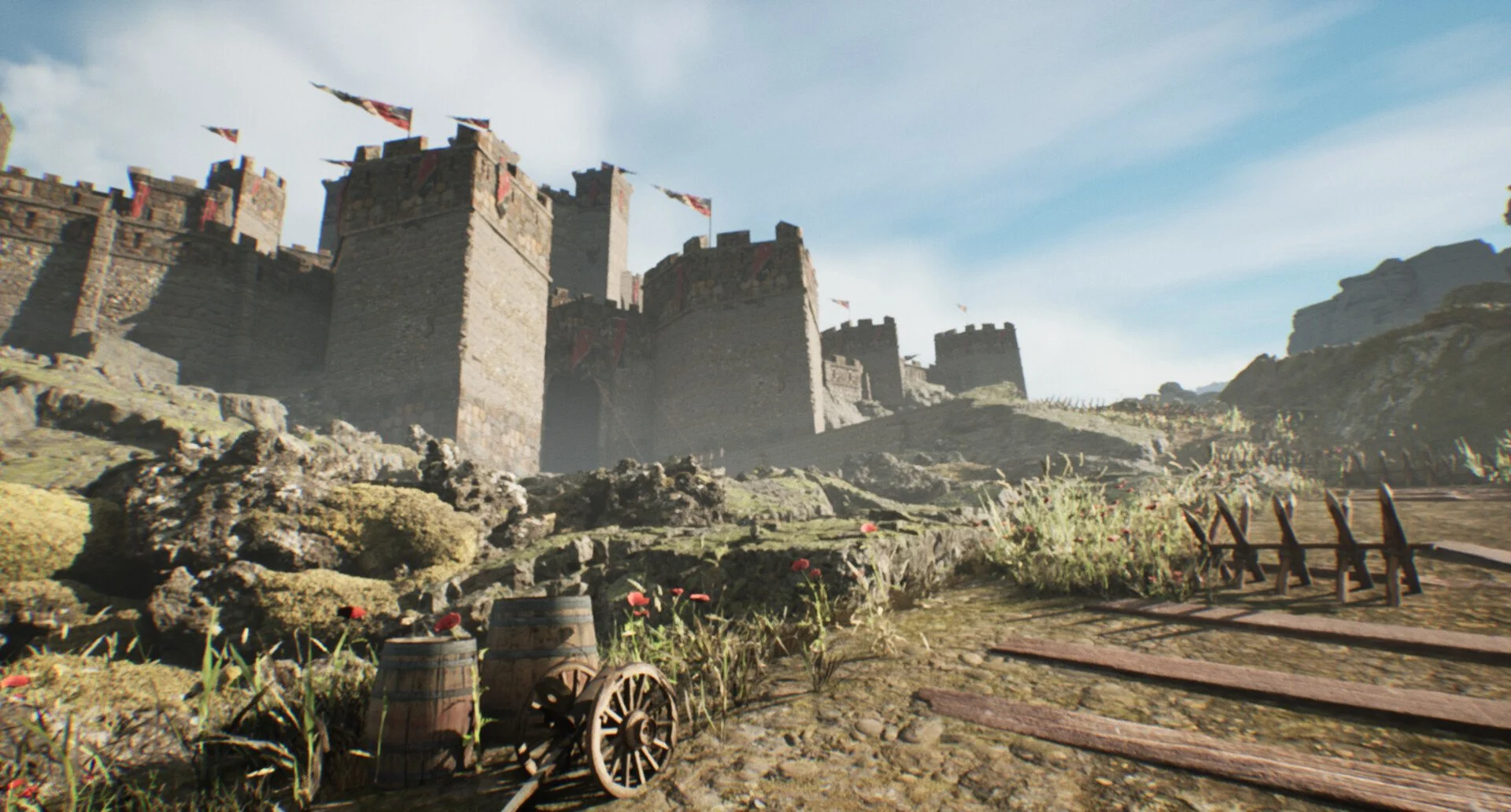
Learn how to create a Medieval Castle inside Unreal Engine 5!
Ever wondered how can you make an epic castle in Unreal Engine? I will show you how you can do it!
I'm Mao and I want to show you can you can create a Castle in Unreal Engine 5.
I started learning Unreal in 2012, back in the day when only Unreal Engine 3 was available. A lot has happened since then and I've been making environments for a living now.
In the last years I worked in Ubisoft making levels for games like Skull and Bones.
When I started learning I always watched tutorials online. It was the only type of class I could afford back then. So this is my course to give back to the community. In this course I will show you all my techniques, workflows and how you can do it too!
I will not only show you how to use the tools in Unreal to model. But I will share with you the language that artist use to communicate, so that you can use it too to make your levels look prettier.
If after watching this course you feel like you have improved your technical skills, modeling or visual art skills then that is a win!
I also hope to make it as fun as entertainment as possible. It's not only a tutorial, but a way for me to connect with you.
I will continue to update this course as I work on it. So it will have a special price for people who want to get it earlier!

Your Instructor
Mao is a professional 3D artist for video games who has worked on Ubisoft where he contributed to titles like Skull and Bones and Immortal Fenyx Rising - Myths of the Eastern Realm. He is also an Unreal Authorized Instructor for Epic Games.
Enroll now AND LEVEL UP YOUR ENVIRONMENT ART SKILLS
Get lifetime access to the course and improve your skills today!